Table of Contents |
Despite the rising popularity of portable devices like laptops and tablets, desktop computers remain highly relevant in certain situations. Desktop computers have evolved significantly, becoming powerful, versatile tools for a wide range of functions. Initially designed for basic tasks, modern desktops now handle intensive activities like video editing, gaming, and 3D modeling, thanks to multi-core processors and advanced graphics capabilities. Notable milestones include the IBM Personal Computer in 1981, which set the PC standard, Apple's Macintosh in 1984, which introduced the graphical user interface (GUI), and the launch of Windows 95 in 1995, which popularized the "Start" menu and taskbar. The introduction of Intel's Pentium processors in 1993 further boosted performance, enabling complex applications and multitasking.
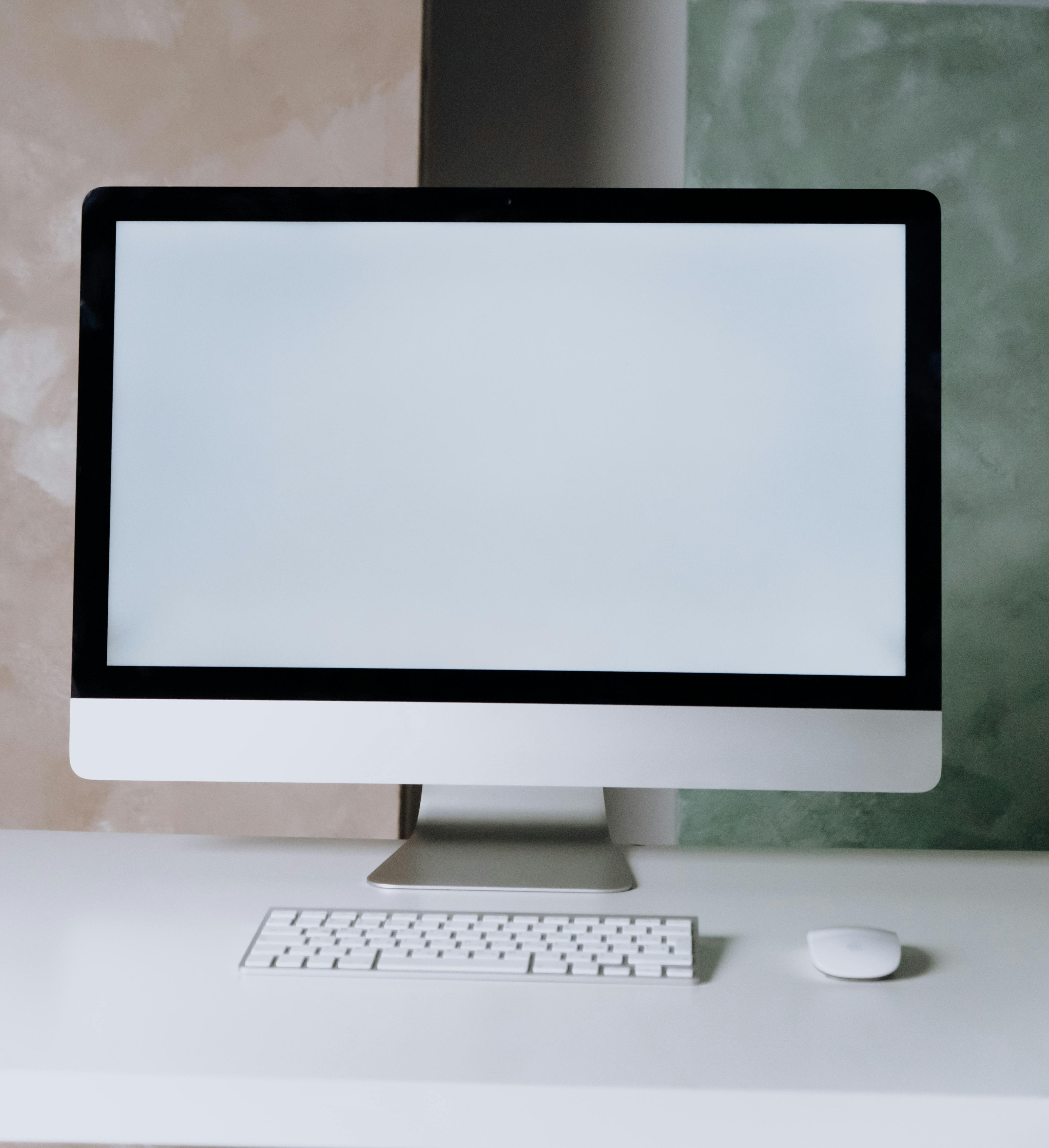
Enhanced storage solutions, such as SSDs and large-capacity hard drives, provide ample space and quick data access. Desktops support extensive connectivity options, including multiple USB ports, HDMI outputs, and networking capabilities, facilitating seamless integration with other devices and peripherals. Their flexibility to upgrade components like RAM, GPUs, and storage ensures they remain capable of handling the latest software and applications. In professional environments, desktops are crucial for tasks requiring reliability and robust performance, such as data analysis, software development, and financial modeling.
As computing technology evolved, so did the needs of businesses making use of computers. One of the major concerns for businesses in the late 1970s and early 1980s had to do with how portable a computer system could be. Information is critical to decision making in business; therefore, companies need computers to be readily accessible to their employees at all times, during the workday, and in a wide array of locations (e.g., home, remote offices, and while in transit). In 1983, Compaq Computer Corporation developed the first commercially successful portable personal computer. By today’s standards, the Compaq PC was not very portable: Weighing in at 28 pounds, the computer was designed like a suitcase, to be lugged around and then laid on its side to be used. Besides portability, Compaq was successful because it was fully compatible with the software being run by the IBM PC, which was the standard for business.
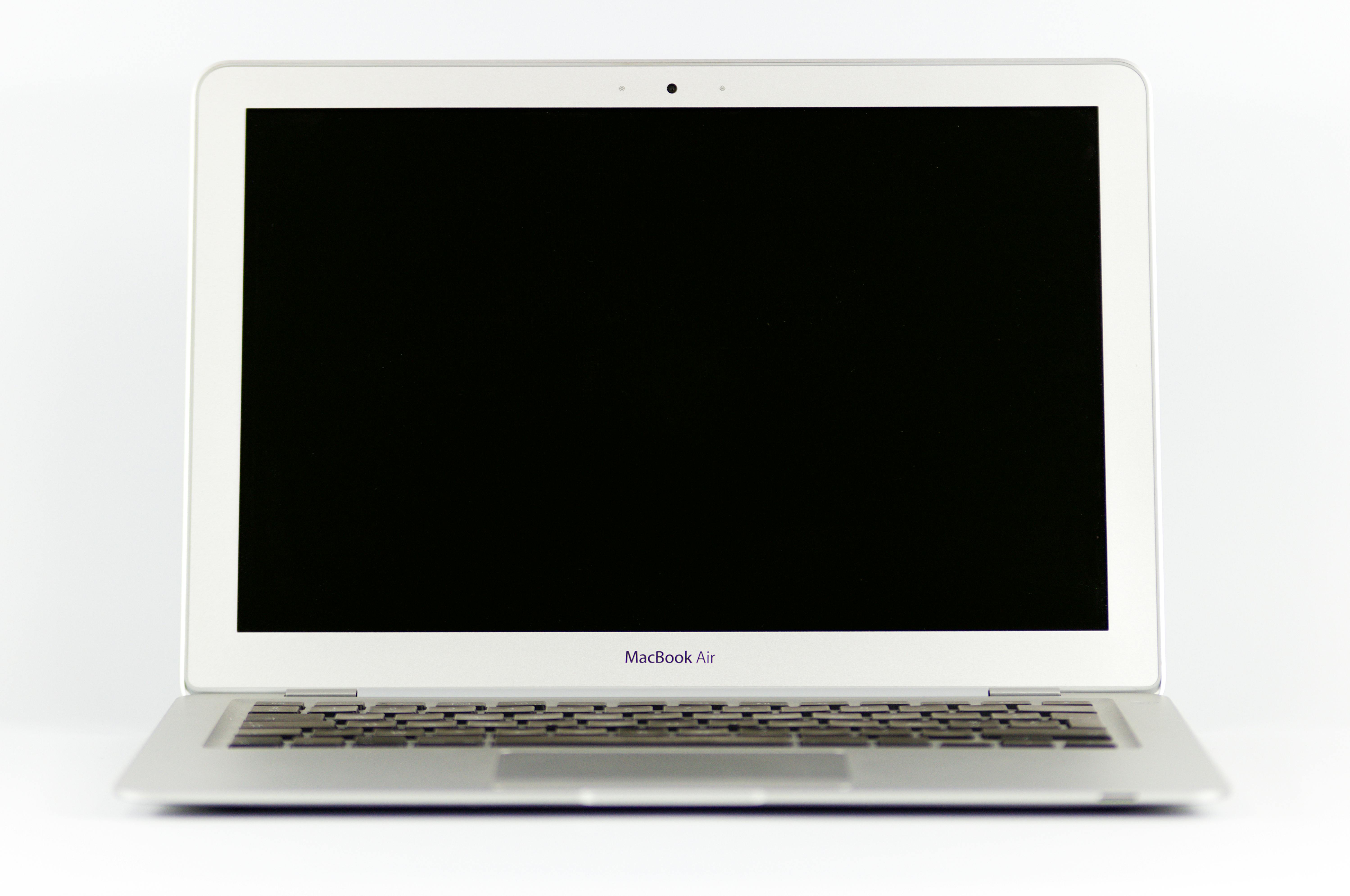
In the years that followed, portable computing continued to improve, giving us laptop and notebook computers. The “luggable” computer has given way to a much lighter clamshell computer that weighs from 4 to 6 pounds and runs on batteries. In fact, the most recent advances in technology give us a new class of laptop that is quickly becoming the standard: These laptops are extremely light and portable and use less power than their larger counterparts. The MacBook Air is a good example of this: It weighs less than 3 pounds and is only 0.44 inches thick!
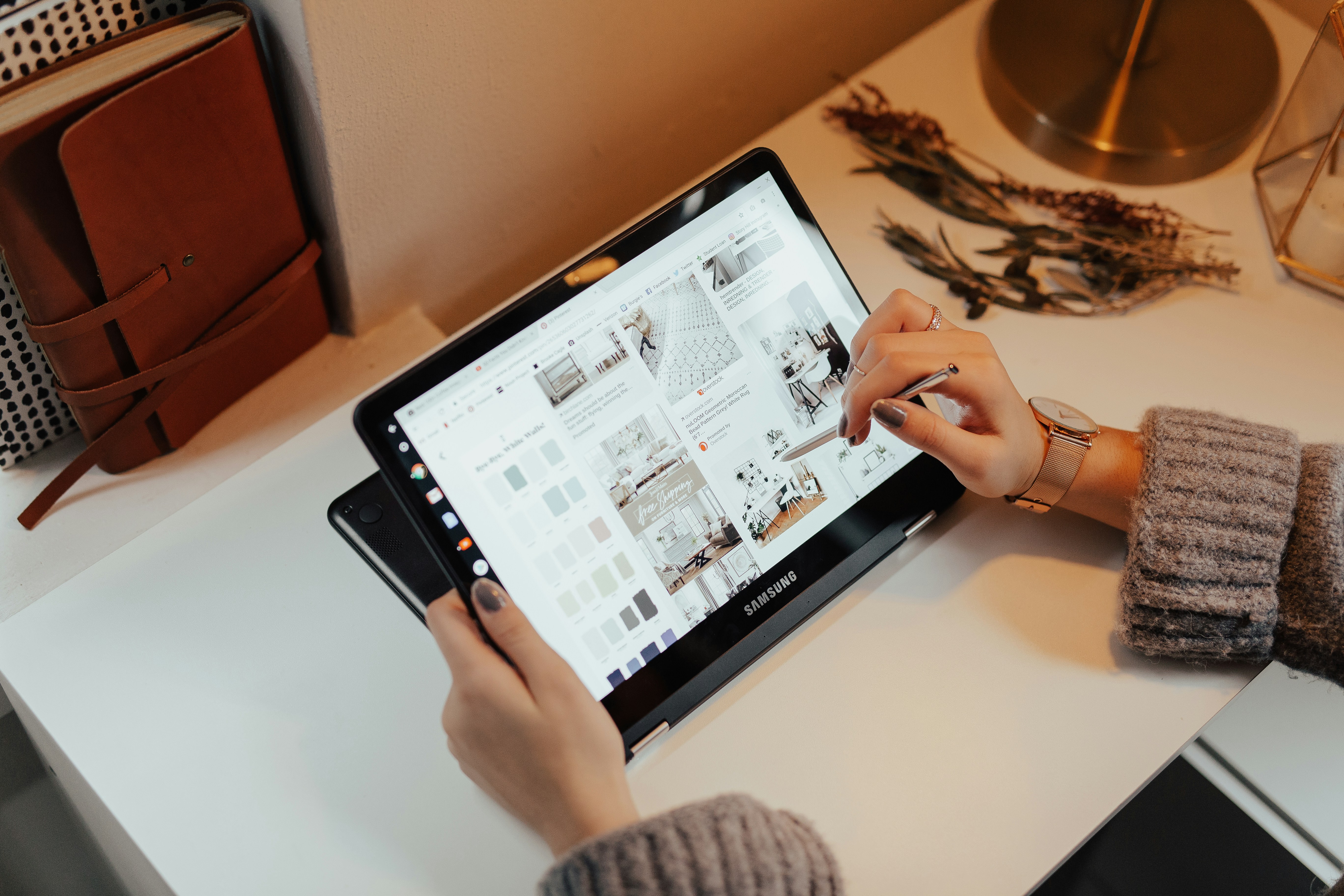
Finally, as more and more organizations and individuals are moving much of their computing to the internet, laptops are being developed that use cloud computing (“the cloud”) for all of their data and application storage. These laptops are extremely light and often rely on cloud storage for apps and files, using smaller internal drives since much of the work is done online. A good example of this type of laptop (sometimes called a netbook) is Samsung’s Chromebook.
The first modern-day mobile phone was invented in 1973. Resembling a brick and weighing in at 2 pounds, it was priced out of reach for most consumers at nearly four thousand dollars. Since then, mobile phones have become smaller and less expensive. Today, mobile phones are a modern convenience available to all levels of society. As mobile phones evolved, they became more like small computers. These smartphones have many of the same characteristics as a personal computer, such as an operating system and memory. The first smartphone was the IBM Simon, introduced in 1994.
In January 2007, Apple introduced the iPhone. Its ease of use and intuitive interface made it an immediate success and solidified the future of smartphones. Running on an operating system called iOS, the iPhone was really a small computer with a touchscreen interface. In 2008, the first Android phone was released by Google, with similar functionality.
Major developments in smartphone history include the launch of the App Store (2008), which revolutionized mobile software distribution, the rollout of 4G and 5G networks (2009–2020), significantly enhancing data speeds and connectivity, and the introduction of foldable smartphones (2019), which marked a new era in form factor innovation, referring to a device's physical characteristics such as size, shape, weight, and usability.
Today, smartphones are a normal part of everyday life. Most people still use them to call or text, but they’ve also become the main way we get information, watch videos, find our way around, and even handle things like banking or shopping. Thanks to faster processors, better cameras, and an endless number of apps, smartphones are now the go-to device for staying connected and getting things done. They’ve moved from being just a convenience to something many people rely on throughout the day.
A tablet computer is one that uses a touchscreen as its primary input and is small enough and light enough to be carried around easily. Tablet computers generally have no keyboard and are self-contained inside a rectangular case. The first tablet computers appeared in the early 2000s and used an attached pen as a writing device for input. These tablets ranged in size from small personal digital assistants (PDAs), which were handheld, to full-sized, 14-inch devices. The primary advantage of a tablet computer lies in its ease of use. The touchscreen provides a simple yet efficient way for users to interact with and manipulate a tablet computer. In most instances, there is no need for training or advanced computer knowledge to use a tablet PC. Most early tablets used a version of an existing computer operating system, such as Windows or Linux.
These early tablet devices were, for the most part, commercial failures. Then, in January 2010, Apple introduced the iPad, which ushered in a new era of tablet computing. Instead of a pen, the iPad used the finger as the primary input device. Instead of using the operating system of their desktop and laptop computers, Apple chose to use iOS, the operating system of the iPhone. Because the iPad had a user interface that was the same as the iPhone, consumers felt comfortable, and sales took off. The iPad has set the standard for tablet computing.
After the success of the iPad, significant developments in tablet technology include the release of the first Google Android tablets (2011), which expanded the market with diverse options. The introduction of the Microsoft Surface (2012) combined tablet portability with PC functionality, featuring a detachable keyboard and full Windows OS. Advancements in stylus technology, such as the Apple Pencil (2015), significantly improved the precision and capabilities of tablets for creative and professional use.
Distributed computing is when a team of computers work together on a task at the same time. Instead of just one computer doing all the work, many computers are connected and used in a smart and efficient way. Think of it like dividing up chores among several people instead of one person doing everything.
Cloud-based virtual machines (VMs) let one physical computer run multiple virtual ones, scaling resources up or down as needed. Each virtual machine acts like a separate computer, with its own operating system and apps, even though it’s all happening on the same physical hardware. These virtual machines all work together to handle really big and complicated computer jobs. If more people log on, more virtual machines can be used to help. If things quiet down, fewer are needed. It’s flexible and efficient.
One specific type of distributed computing is called edge computing. Instead of sending all the information to a main computer that could be far away, edge computing uses smaller computers that are closer to where the information is created or where people are using it. This means that there is no need to wait for the information to travel back and forth, which makes it faster. This speed is really important for things like smartwatches, self-driving cars, and systems that need to react very quickly. In this manner, edge computing takes the idea of computers working together and brings that teamwork right to the edge of the network, closer to the action. For example, a smartwatch that monitors your heart rate and alerts you to changes is using edge computing to analyze data locally without needing to send it to the cloud first.
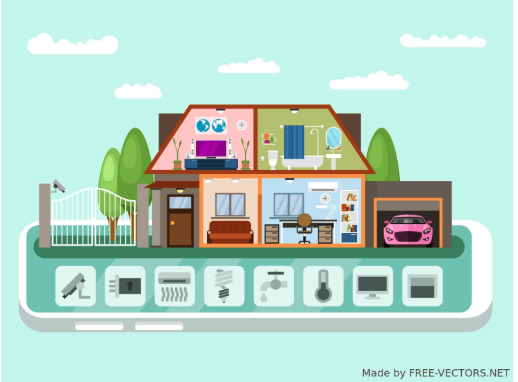
Along with advances in computers themselves, computing technology is being integrated into many everyday products. From automobiles and refrigerators to airplanes, computing technology is enhancing what these devices can do and is adding capabilities that would have been considered science fiction just a few years ago.
The Internet of Things (IoT) refers to a vast network where everyday physical objects are equipped with sensors, software, and connectivity, allowing them to gather and share data via the internet. This interconnectedness enables these "things," from simple home devices to complex industrial equipment, to communicate and interact with each other, with applications, and with us, often without direct human intervention. The resulting data exchange facilitates remote monitoring, automated control, and the generation of valuable insights, leading to the development of intelligent applications across diverse fields, including smart homes, urban infrastructure, healthcare, and industrial processes.
Here are three of the latest ways that computing technologies are being integrated into everyday products:
Source: This tutorial was authored by Sophia Learning. Please see our Terms of Use.



