Table of Contents |
An essential component of strengthening your productivity skill is being able to manage your time. As discussed in the previous lesson, you need to be able to prioritize your tasks, and, in order to do that, you must know your goals. When you have specific goals in mind, you can figure out how much time will be required to achieve them.
There are two main types of tasks:
| Sequential Tasks | Parallel Tasks |
|---|---|
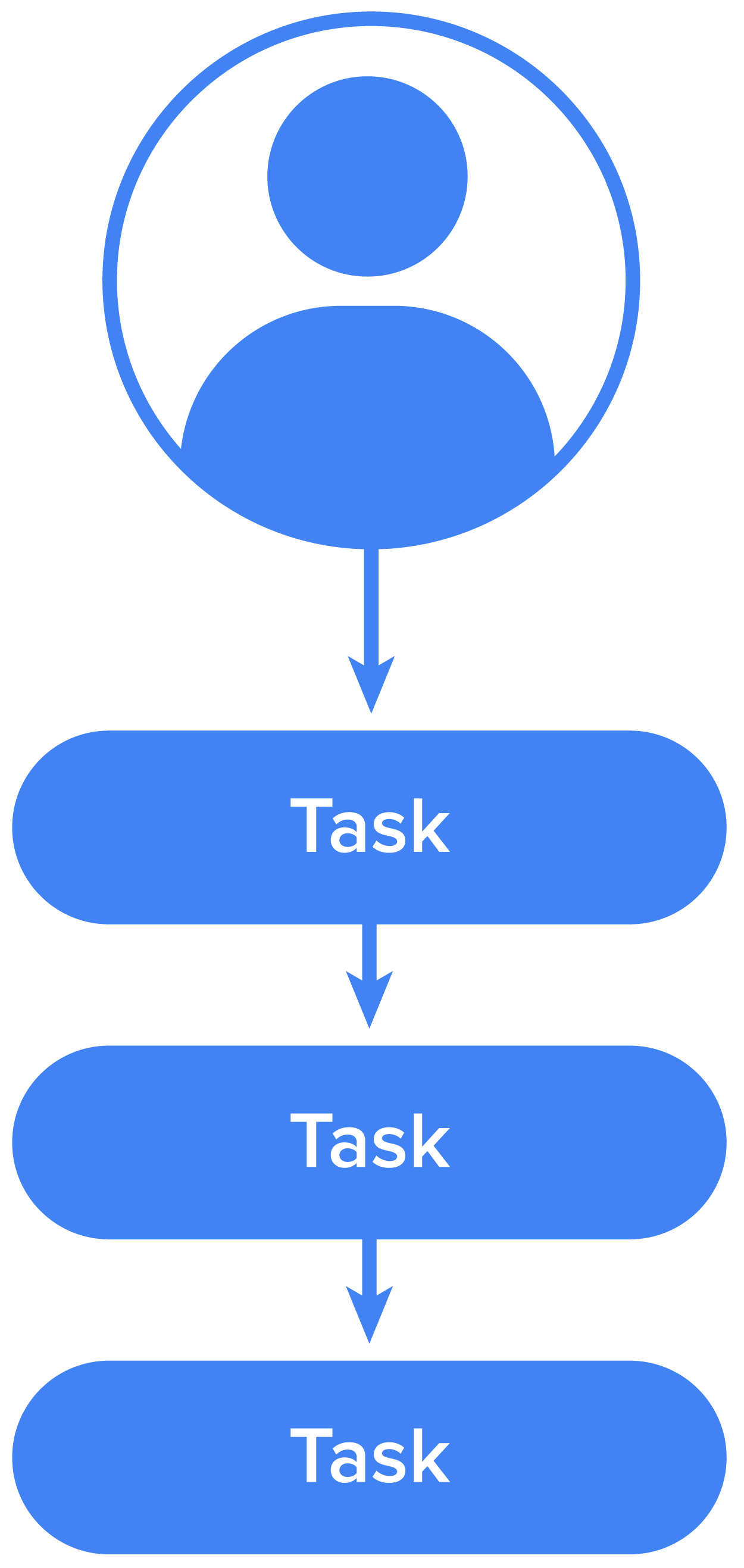
|
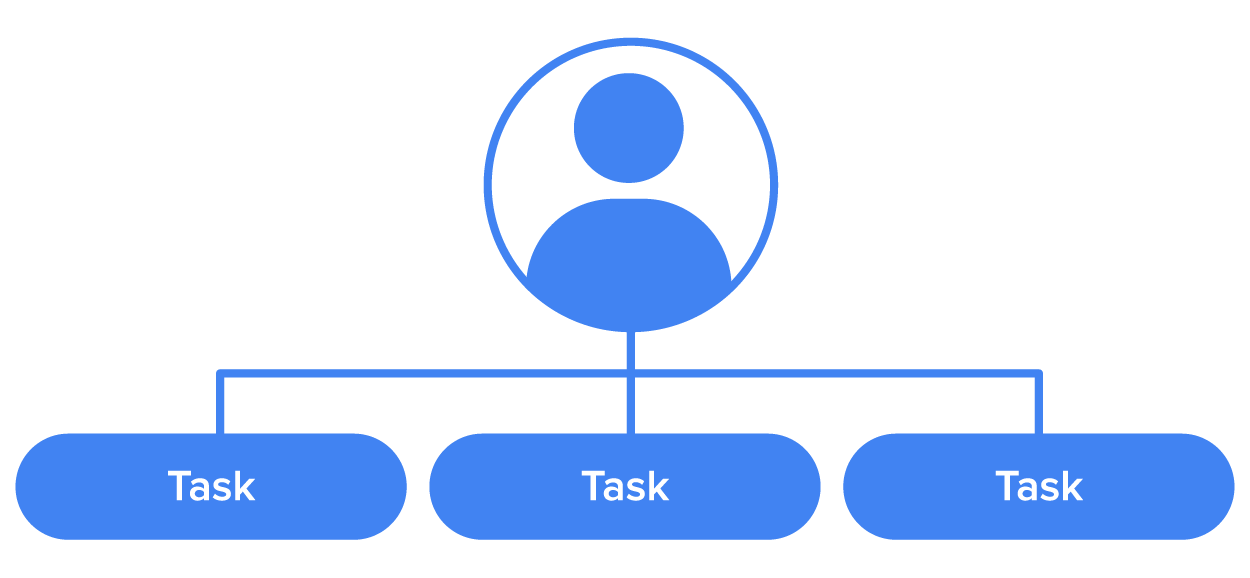
|
Keep in mind that there is more to time management than listing out the order of work. You need to be able to create a detailed plan, and there are tools and techniques that can help you do that.
Time blocking is a time management method that divides your day into blocks of time. Each block is dedicated to accomplishing a specific task, or group of tasks, and only those specific tasks. This helps you stay focused on one thing or set of tasks at a time. And from the previous lesson, you know that this focus is important.
IN CONTEXT
Jesse recently began to work remotely from home. He struggled to keep his personal life separate from his work. He was stressed and wanted to take some steps to create better boundaries. He decided to set up blocks of time each day for certain activities.
Task Time Block Morning items (get ready, feed dog, check personal email, and review news on phone) 7 a.m.-9 a.m. First half of workday 9 a.m.-12 p.m. Lunch 12 p.m.-1 p.m. Second half of workday 1 p.m.-4 p.m. Evening items (feed dog, dinner, gym, and other activities—this will vary) 4 p.m.-10 p.m.
The chart above is very simple, but even this level of detail can help keep Jesse on track during the day. You could create something similar and customize it so that it works best for you. You will read more about how important it is to make sure your tools work for you in section two.
One very helpful tool when it comes to time management is a calendar. You could use a paper calendar, or any number of online options like Outlook Calendar or Google Calendar. No matter what type you use, it can be a useful visual to see how you have blocked off your time. When used optimally, you can see your day, week, or month at a glance, and use your agility skill to revise and edit quickly, as needed.
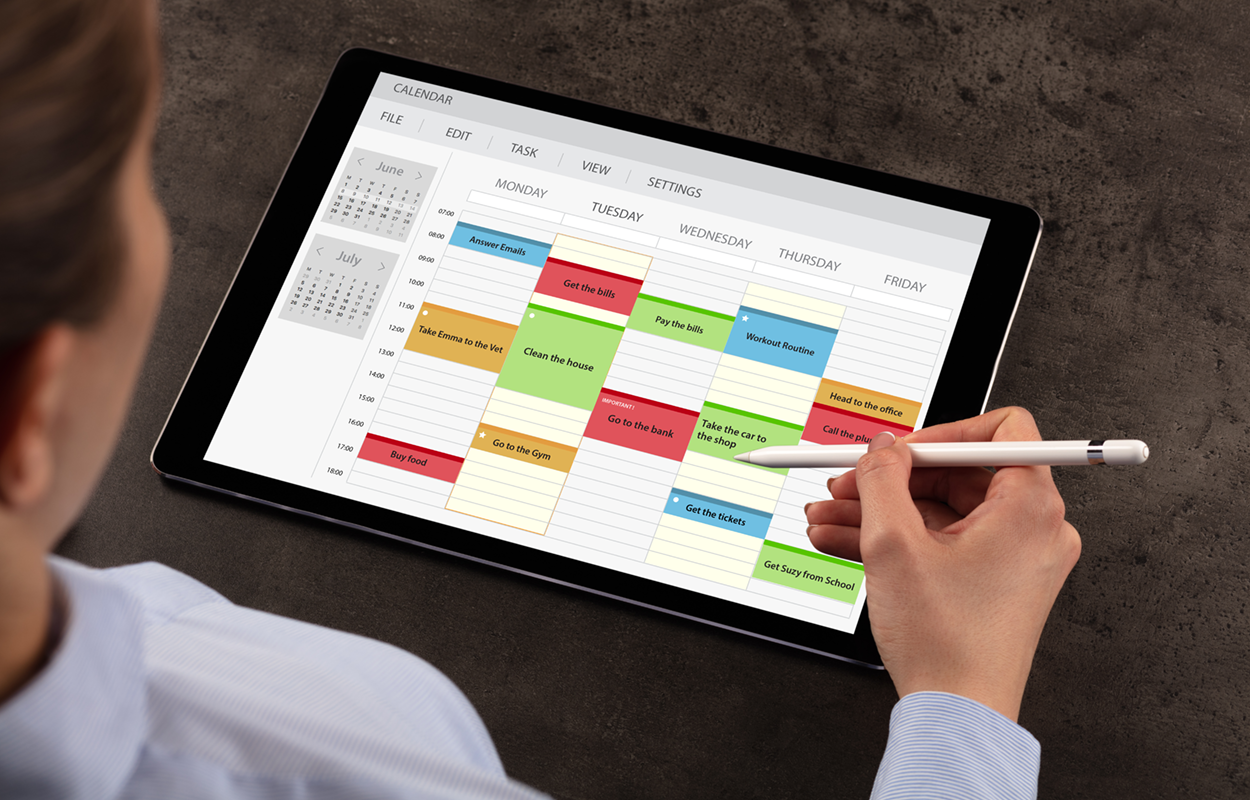
The image above is a digital calendar app. You can see that the person using this has blocked out time for each event. Calendars like this often have features like different colors for different categories to help you organize anything you add.
Whether or not you already use a calendar, it is worth the time to learn how you can optimize your use of tools to manage your time. Remember, a paper option could work as well. Again, it is about knowing what will work best for you.

Another technique that you can use to manage your time effectively is creating checklists. You don’t need anything fancy for this strategy. You can easily write down your tasks on a piece of paper, and check them off as you go. Some calendars have a task list tool that you can use with events you create on the calendar.
Just as your goals need to meet certain criteria, the items on your checklist should also have standards to help you get the best results. The AIMS acronym can help you keep some important elements in mind when deciding how to prioritize and schedule tasks.
|
A Action-Centered |
I Incremental |
M Measurable |
S Scheduled Realistically |
|---|---|---|---|
| Identify specific actions to meet your goals | Break actions down into smaller (manageable) activities | Include criteria that you will use to measure if each task has been completed successfully | Be realistic in your expectations about the time it will take to complete tasks |
| (Dumitrascu, 2017) | |||
The key to successfully using a checklist is to understand that each task takes time. Some days, you may be able to complete 20 tasks with success, while other days, you may only have a list of four items that you can realistically complete. You can find a list of some popular checklist apps on this blog post from Toggl.
As stated above, the techniques and tools that you use should depend on how you work best. You need to think about yourself as you arrange your days and determine times for each task. Some questions to consider when you are determining what system to use are:
In addition to understanding what to tackle first, the list above shared the importance of making sure that you schedule some quiet time when you don’t need to be focused on any particular task. As you may recall from a previous lesson, long periods of productivity with no breaks can actually lead to burnout, which is counterproductive. Taking time to rest will not only let you recharge, but it will also give you the opportunity for spontaneous thoughts that can promote creativity.
Remember our example of Jesse? He was struggling to balance work and home. By expanding on his initial schedule, he could make sure to find some time during each part of his day to take a break. You might want to keep that in mind when planning your own schedule. As you select the best tools to help you with time management, consider the benefits of including downtime in your schedule so that you can avoid exhaustion and increase productivity. Pay attention to what techniques work for you, and what doesn’t, so that you can find strategies that fit your goals and priorities.
REFERENCES
Dumitrascu, S. (2017). Effective time management: A practical guide. Independent Publishing.
Boitnott, J. (2019, May 28). 8 Non-Work Related Activities That Increase Productivity. Entrepreneur. www.entrepreneur.com/article/334237




