Table of Contents |
The BETWEEN operator enables us to check if an attribute is within a range of values. Like the game “Pick a number between 1 to 10,” you can use BETWEEN to find a range of values between X and Y in a column. The values defined in the BETWEEN operator include all the values BETWEEN what is being searched for, including the beginning and ending values. If a number is between 1 and 4, for example, then both 1 and 4 are included.
It is important to note that we always need to specify the smaller value first. For example, if we have the following statement:
SELECT *
FROM customer
WHERE support_rep_id BETWEEN 1 AND 4;
You should see a return result set with 41 rows.
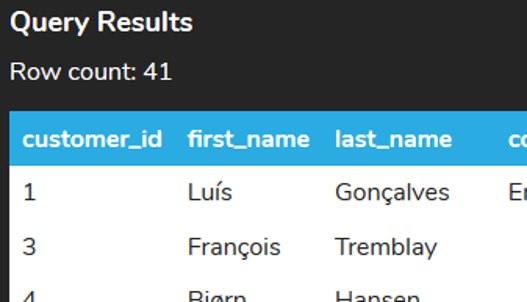
This command can be interpreted as follows:
SELECT *
FROM customer
WHERE support_rep_id >= 1
AND support_rep_id <= 4;
This command would also return 41 rows.
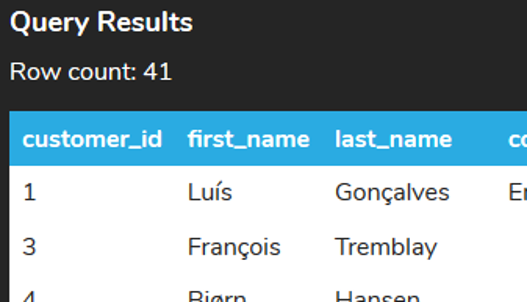
However, if we have the larger number first:
SELECT *
FROM customer
WHERE support_rep_id BETWEEN 4 AND 1
It would try to run it as the following:
SELECT *
FROM customer
WHERE support_rep_id >= 4
AND support_rep_id <= 1;
Of course, this would not work. The support_rep_id could not be greater than or equal to 4 at the same time as the support_rep_id is less than or equal to 1. Therefore, no rows could match the criteria, which is why we would get the following result:

You can also use BETWEEN for dates when comparing a range of dates. For example, if we wanted to search for invoices that had the invoice_date in March 2009, we could do the following:
SELECT *
FROM invoice
WHERE invoice_date BETWEEN '2009-03-01' AND '2009-03-31';

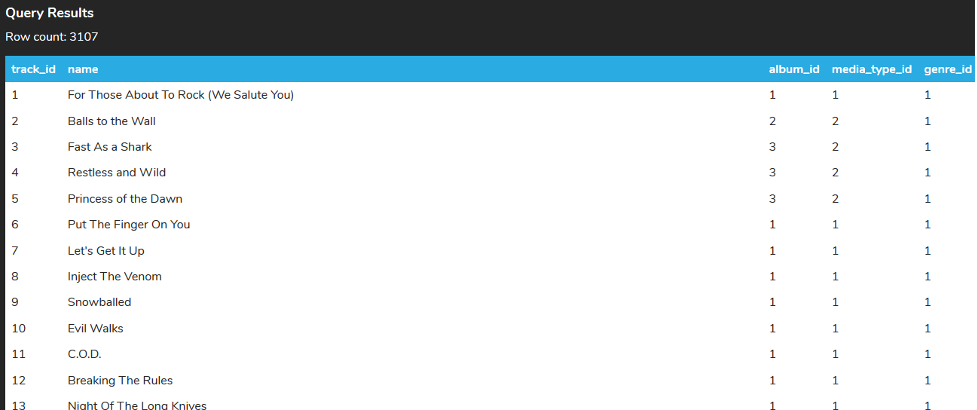
You can also use the NOT operator to return the opposite result set. Using the example from the previous lesson, if we wanted to get the tracks that had the genre_id NOT being between 10–20, we could write our query like this:
SELECT *
FROM track
WHERE genre_id NOT BETWEEN 10 AND 20;
This would include all tracks between 1–9 and 21–25 (along with any other genre_id that may be added to the table beyond 25).
We could do the same thing for dates to query invoices not between 2010-01-01 and 2010-12-31.
>SELECT *
FROM invoice
WHERE invoice_date NOT BETWEEN '2010-01-01' AND '2010-12-31';
This could also be written as:
SELECT *
FROM invoice
WHERE invoice_date < '2010-01-01'
OR invoice_date > '2010-12-31';
Notice that unlike the BETWEEN statement, this example excludes the values due to the NOT.
Source: THIS TUTORIAL WAS AUTHORED BY DR. VINCENT TRAN, PHD (2020) AND Faithe Wempen (2024) FOR SOPHIA LEARNING. PLEASE SEE OUR TERMS OF USE.



